Golden Star Registration, Login and Verification Process

Creating a Golden Star account gives you access to real-money casino games, sports betting, and a full suite of promotions built for Canadian players. The registration process is straightforward, taking only a few minutes to complete on the website or mobile app. Once your account is active, logging in connects you to your games, deposit history, and available bonuses, including a Welcome Bonus of 100% up to $1,500 + 300 Free Spins, a Highroller Bonus of 50% up to $3,000, a Second Deposit Bonus of 75% up to $750 + 50 Free Spins, and Weekly Free Spins of 20, 30, or 50 every Wednesday. Account verification protects your personal information and ensures your withdrawals are processed without delays, so completing it early is always the right move.

Golden Star Casino registration and login process for Canadian players with account verification steps

Golden Star Sign Up Instructions

Signing up takes just a few minutes and gives you immediate access to games, betting markets, and your first deposit bonus. Follow these steps to create your account.

1

Click the Sign Up Button

Select the “Sign Up” button on this page to open the registration form on the official Golden Star site.

2

Enter Your Personal Details

Provide your full name, date of birth, email address, and country of residence. Make sure all information is accurate, as it will be used for account verification.

3

Set Your Login Credentials

Choose a unique username and a strong password for your account. Keep these credentials secure and do not share them.

4

Confirm Your Email Address

Check your inbox for a confirmation email and click the link inside to activate your account.

5

Make Your First Deposit

Choose a payment method, enter your deposit amount, and complete the transaction to start playing and activate your welcome bonus.

Registration via Mobile App Golden Star

Registering through the mobile app follows nearly the same process as the website, but is optimized for touchscreen navigation and smaller screens. Once the Golden Star casino app is downloaded, complete these steps to create your account.

  1. Open the App and Tap Register: Launch the app and tap the registration button on the home screen to begin the sign-up process.
  2. Fill In Your Account Details: Enter your name, date of birth, email, and country. You can also register using your Google or social account if that option is available in the app.
  3. Create Your Username and Password: Set your login credentials directly within the app. Store them somewhere safe.
  4. Verify Your Email: Open the confirmation email sent to your inbox and tap the activation link to complete registration.
  5. Deposit and Start Playing: Add funds using your preferred payment method inside the app to activate your account fully.

Registration Requirements

Before completing the Golden Star sign-up process, you need to meet a set of basic requirements that apply to all Canadian players. These rules exist to ensure that the platform operates within legal and responsible gambling guidelines. Only one account per person is permitted, and all information provided during registration must be accurate and up to date. Failure to meet these requirements may result in account suspension or the forfeiture of bonuses.

  1. Minimum Age: You must be at least 19 years old to register and gamble on the platform, in line with Canadian provincial regulations.
  2. Valid Identity Documents: You must be prepared to provide government-issued ID, such as a passport or driver’s licence, during the verification process.
  3. One Account Per Person: Each user is allowed only one account. Duplicate accounts are not permitted and may be closed without notice.
  4. Accurate Personal Information: All details entered at registration must match your official documents. Inaccurate information can delay verification and withdrawals.
  5. Eligible Jurisdiction: You must reside in a region where online gambling is legally permitted. Registration from restricted territories is not allowed.
Golden Star Casino registration requirements checklist for Canadian players including age, ID, and eligibility rules

Golden Star Account Verification Process

Account verification is a required step for all real-money players and is part of responsible gambling compliance in Canada. Completing your verification gives you full access to withdrawals, higher deposit limits, and uninterrupted account activity. You can submit your documents directly through your account dashboard on this site.

  1. Identity Verification: Upload a clear photo or scan of a government-issued ID, such as a passport, driver’s licence, or provincial ID card.
  2. Proof of Address: Provide a recent utility bill, bank statement, or government document dated within the last three months that shows your full name and residential address.
  3. Payment Method Verification: Depending on your deposit method, you may need to confirm ownership by uploading a photo of your card or a screenshot of your e-wallet account.
  4. Document Review: The support team will review your submitted documents. This process typically takes between 24 and 72 hours.
  5. Verification Confirmed: Once approved, your account status is updated and all withdrawal requests can be processed without restrictions.
Golden Star Casino account verification process showing steps for identity, address, and payment method document submission

Login to Golden Star Account

Logging into your account takes seconds and gives you immediate access to your balance, active bonuses, and game history. Follow the steps below to sign in.

Open the Login Page

Click the login button on this page or in the top navigation bar of the official site to open the sign-in form.

Enter Your Credentials

Type in the email address and password you used during registration. If you registered via a social account, select that login option instead.

Complete Two-Factor Authentication (If Enabled)

If you have two-factor authentication active on your account, enter the code sent to your phone or email to complete the login.

Access Your Account

Once authenticated, you are taken directly to your account dashboard where your balance, bonuses, and game lobby are ready to use.

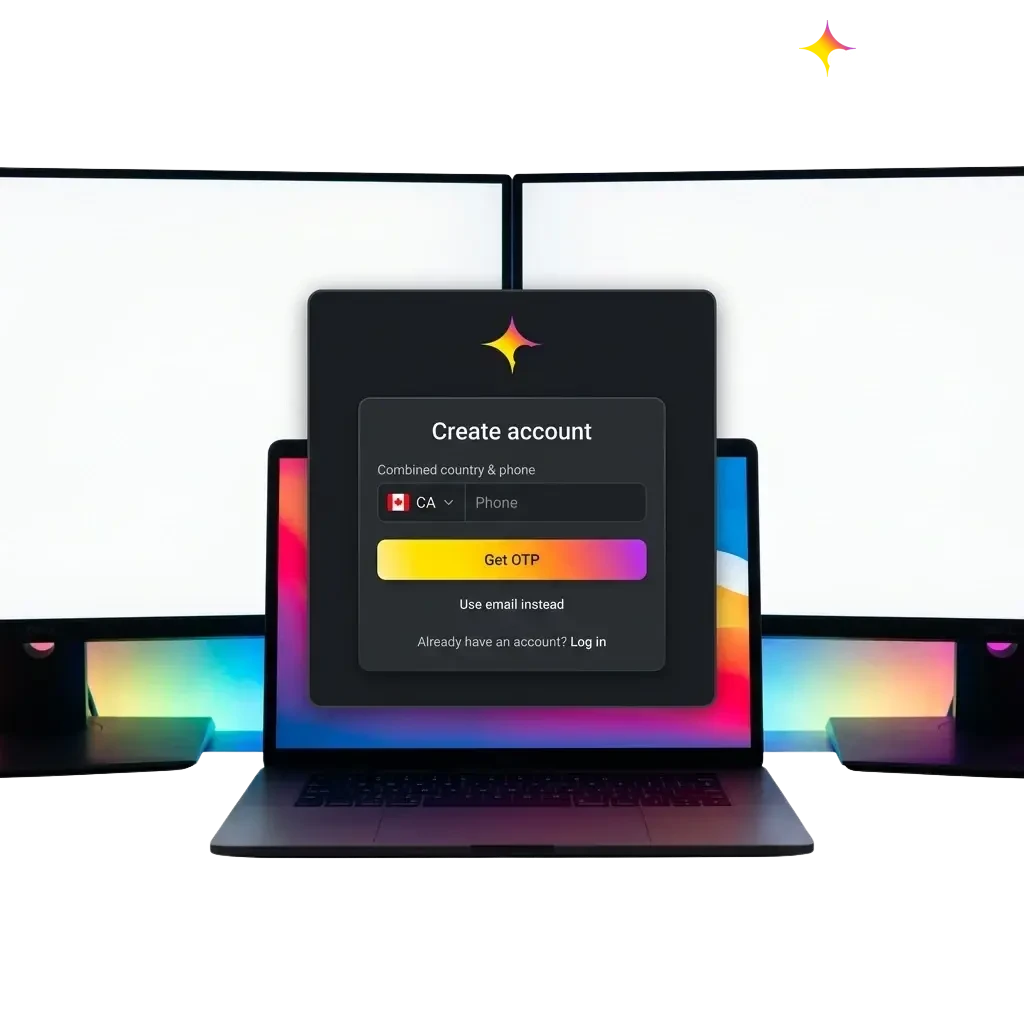
Golden Star Casino login page showing sign-in form with email, password fields, and two-factor authentication option

Welcome Bonus After Registration

After completing your Golden Star registration and making a qualifying deposit, you become eligible for a range of welcome and ongoing bonuses designed for both casino and sports betting players in Canada. The bonus structure rewards new players across multiple deposits and includes recurring free spin offers every Wednesday. Review the table below for the full breakdown.

Bonus Amount Minimum Deposit Wagering Requirements
Welcome Bonus 100% up to $1,500 + 300 Free Spins Check bonus terms Check bonus terms
Highroller Bonus 50% up to $3,000 Check bonus terms Check bonus terms
Second Deposit Bonus 75% up to $750 + 50 Free Spins Check bonus terms Check bonus terms
Free Spins on Wednesday 20, 30, or 50 Free Spins Check bonus terms Check bonus terms

All bonuses are subject to the terms and conditions published on the official site. Always review wagering requirements and eligible games before activating any offer.

Golden Star Casino welcome bonus table showing offers up to $1,500 plus 300 free spins for Canadian players

Learn How to Get a Welcome Bonus

Claiming your welcome bonus requires only a few straightforward steps after your account is created. Here is how to make sure the offer is applied correctly.

1

Register Your Account

Click the registration button on this page and complete the sign-up form. Your account must be fully created before any bonus can be activated.

2

Complete Account Verification

Submit your identity and address documents through your account dashboard. Some bonuses require a verified account before the funds are released.

3

Make a Qualifying Deposit

Navigate to the cashier section, select your preferred payment method, and deposit the minimum amount required to trigger the welcome bonus.

4

Activate the Bonus

If prompted, enter a bonus code or select the offer from the promotions section of your account. Confirm the activation and the bonus funds or free spins will be added to your balance.

Potential Issues when Registering an Account

Most registration issues are easy to fix, and the support team is available to help if something goes wrong during your sign-up process. Below are the most common problems and what you can do to resolve them.

  • Problem: Confirmation email not received | Solution: Check your spam or junk folder. If the email is not there, contact support to resend the activation link.
  • Problem: Error message when submitting the registration form | Solution: Double-check that all required fields are filled in correctly and that your email address format is valid. Clear your browser cache and try again.
  • Problem: Account flagged as a duplicate | Solution: Only one account is permitted per person. If you believe this is an error, contact the support team directly to have your case reviewed.
  • Problem: Unable to complete registration from your region | Solution: Golden Star is not available in all territories. If you are in an eligible province and still experiencing issues, reach out to support with details of the error.
  • Problem: Verification documents rejected | Solution: Ensure documents are clear, unedited, and show all required information. Resubmit with higher-quality images or contact support for guidance.
Person troubleshooting common account registration issues like email confirmation, duplicates, and document verification

Account Password Recovery

If you forget your password, you can reset it quickly through the login page without contacting support. Follow the steps below to regain access to your account.

  1. Go to the Login Page: Click the login button on this site and locate the “Forgot Password” link below the sign-in form.
  2. Enter Your Registered Email: Type in the email address associated with your account and submit the request. A password reset link will be sent to that address.
  3. Check Your Inbox: Open the email from Golden Star and click the password reset link. Also check your spam folder if the email does not arrive within a few minutes.
  4. Set a New Password: Follow the link to a secure reset page, enter a new password, and confirm it. Choose something strong and unique.
  5. Log In Again: Return to the login page and sign in using your new password. If you continue to experience access issues, contact the support team.
Step-by-step account password recovery guide showing how to reset your password via email link on Golden Star

Delete Your Golden Star Account if Needed

You have the right to close your account at any time, whether for personal reasons or as part of a responsible gambling decision. Before submitting a deletion request, make sure you have withdrawn any remaining balance.

  1. Withdraw Your Balance: Log in to your account, go to the cashier section, and withdraw any remaining funds before initiating the closure process.
  2. Contact Support: Reach out to the customer support team via live chat or email and request permanent account deletion. Provide your registered email address and account details to confirm your identity.
  3. Confirm the Deletion Request: The support team may ask you to verify your identity before processing the request. Respond promptly to any follow-up questions to avoid delays.
  4. Receive Confirmation: Once your account has been closed, you will receive a confirmation email. After this point, the account cannot be reactivated.
Steps to delete your Golden Star Casino account, including withdrawing balance and contacting support for permanent closure.

FAQ

Can I register a Golden Star account if I live in Quebec?

Yes, players from Quebec can create an account provided they are at least 18 years old and online gambling is permitted in their specific circumstances. Always confirm your local regulations before registering.

How long does the Golden Star verification process take?

Document review typically takes between 24 and 72 hours after submission. You will receive an email notification once your account has been approved.

What currencies are accepted at Golden Star for Canadian players?

Canadian dollars (CAD) are accepted, which means you can deposit, play, and withdraw without needing to deal with currency conversion fees.

Is it safe to store payment information on my Golden Star account?

Yes, the platform uses industry-standard SSL encryption to protect your financial and personal data. Your stored payment details are secured in line with recognized data protection practices.

What should I do if my Golden Star login is not working after the correct password is entered?

First, clear your browser cache and cookies, then try again. If the issue continues, use the password reset option or contact the support team via live chat for immediate help.

Updated: