Download Golden Star App for Android (APK) and iOS (iPhone, iPad)

The Golden Star app is available to Canadian players on both Android and iOS devices. Download the APK directly and enjoy sports betting, casino games, and all major payment options including Interac, Visa, Mastercard, Skrill, Neteller, Bitcoin, and paysafecard in one place.

New players can claim a Welcome Bonus of 100% up to $1,500 + 300 Free Spins on their first deposit. A Highroller Bonus of 50% up to $3,000 is also available, alongside a Second Deposit Bonus of 75% up to $750 + 50 FS. Every Wednesday, players receive 20, 30, or 50 Free Spins.

Golden Star app for Android APK and iOS with sports betting, casino games, and bonuses for Canadian players

Main Information Golden Star Canada App

The Golden Star mobile app is the official application available for both Android and iOS users in Canada. It delivers the complete range of casino and sports betting features in a compact, mobile-optimised format.

Developer Golden Star
License Curacao eGaming License
Supported Operating Systems Android 5.0+, iOS 12.0+
Cost Free
Category Casino & Sports Betting
Countries Available Canada and other supported regions
Languages Supported English, French, and others
Currencies Supported CAD, USD, EUR, BTC, and others
Available in Canada Yes

Download Golden Star APK on Android in 4 Simple Steps

Downloading the Golden Star on Android is quick, safe, and completely free. Follow these four straightforward steps to get the app installed and start playing in minutes.

Download Golden Star APK

Tap the download button on this page to begin fetching the APK file.

Agree to Download in the Pop-Up

Confirm the download by tapping “OK” or “Accept” in the prompt that appears.

Allow Installation from Unknown Sources

Go to your device settings and enable installation from unknown sources for the browser you used to download the file.

Confirm the Installation

Open your downloads folder, find the APK file, tap it, and follow the on-screen prompts to complete installation.

Golden Star Android App

The Golden Star Android app is free to download and lets you bet on sports and play casino games from anywhere in Canada. Follow the four installation steps outlined above to get started. Once installed, the full platform is available directly from your Android device.

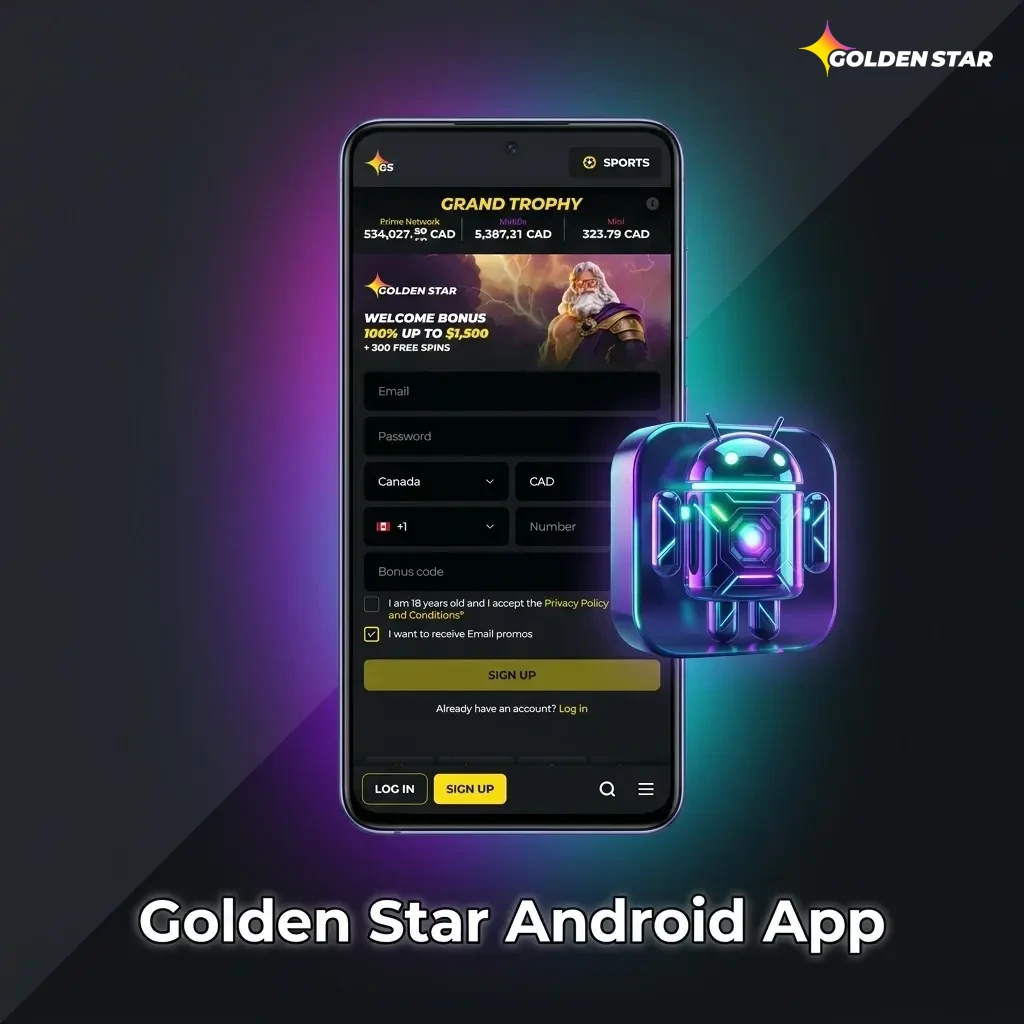
Golden Star Android app interface showing sports betting and casino games available for Canadian players

Minimum System Requirements for Android

Before installing the app, make sure your Android device meets the following minimum requirements.

Requirement Minimum Specification
Android Version 5.0 (Lollipop) or higher
RAM 1 GB
Free Storage Space 100 MB
Processor 1.2 GHz dual-core
Internet Connection Stable 3G, 4G, or Wi-Fi

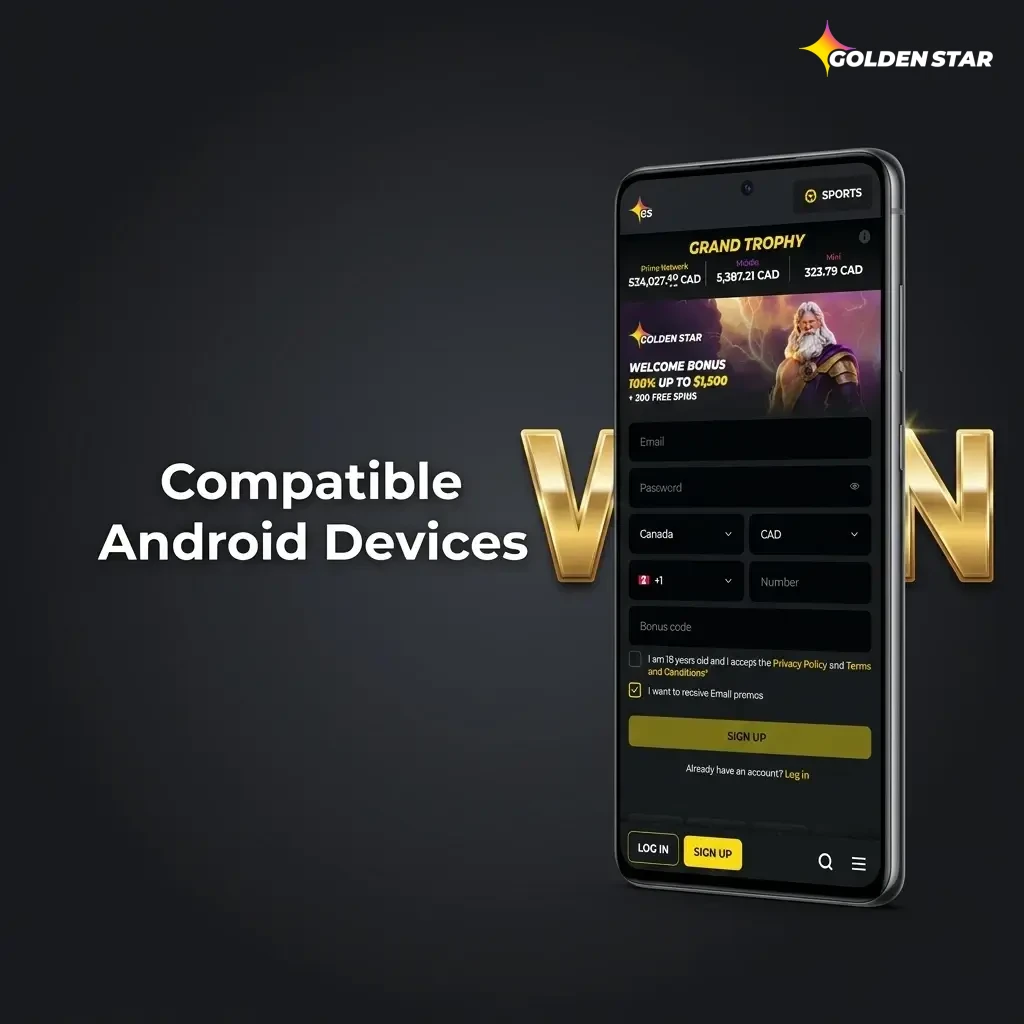
Compatible Android Devices

The Golden Star app runs smoothly on a wide range of popular Android devices available in Canada. The following models are confirmed compatible:

  • Samsung Galaxy S21 / S22 / S23;
  • Samsung Galaxy A52 / A53 / A54;
  • Google Pixel 6 / 7 / 8;
  • OnePlus 9 / 10 / 11;
  • Motorola Moto G Power (2022 / 2023);
  • Xiaomi Redmi Note 11 / 12;
  • Sony Xperia 5 IV / 5 V;
  • LG V60 ThinQ;
  • Huawei P40 Pro;
  • Nokia G300.
List of compatible Android devices for Golden Star app including Samsung, Google Pixel, OnePlus, and more available in Canada

Download Golden Star iOS App in 5 Steps

Installing the Golden Star mobile app on your iPhone or iPad is straightforward. Complete the following five steps and you will be ready to play.

1

Tap the Download Button on This Page

Click the download button below to initiate the process directly from this page.
2

Open the Link in Safari

The installation works best through Safari. Make sure Safari is your active browser before proceeding.

3

Tap “Allow” on the Installation Prompt

A prompt will appear asking for permission to install the app. Tap “Allow” to continue.

4

Trust the Developer Profile

Go to Settings > General > VPN & Device Management, find the Golden Star profile, and tap “Trust”.

5

Launch the App

Return to your home screen, tap the Golden Star icon, and the app is ready to use.

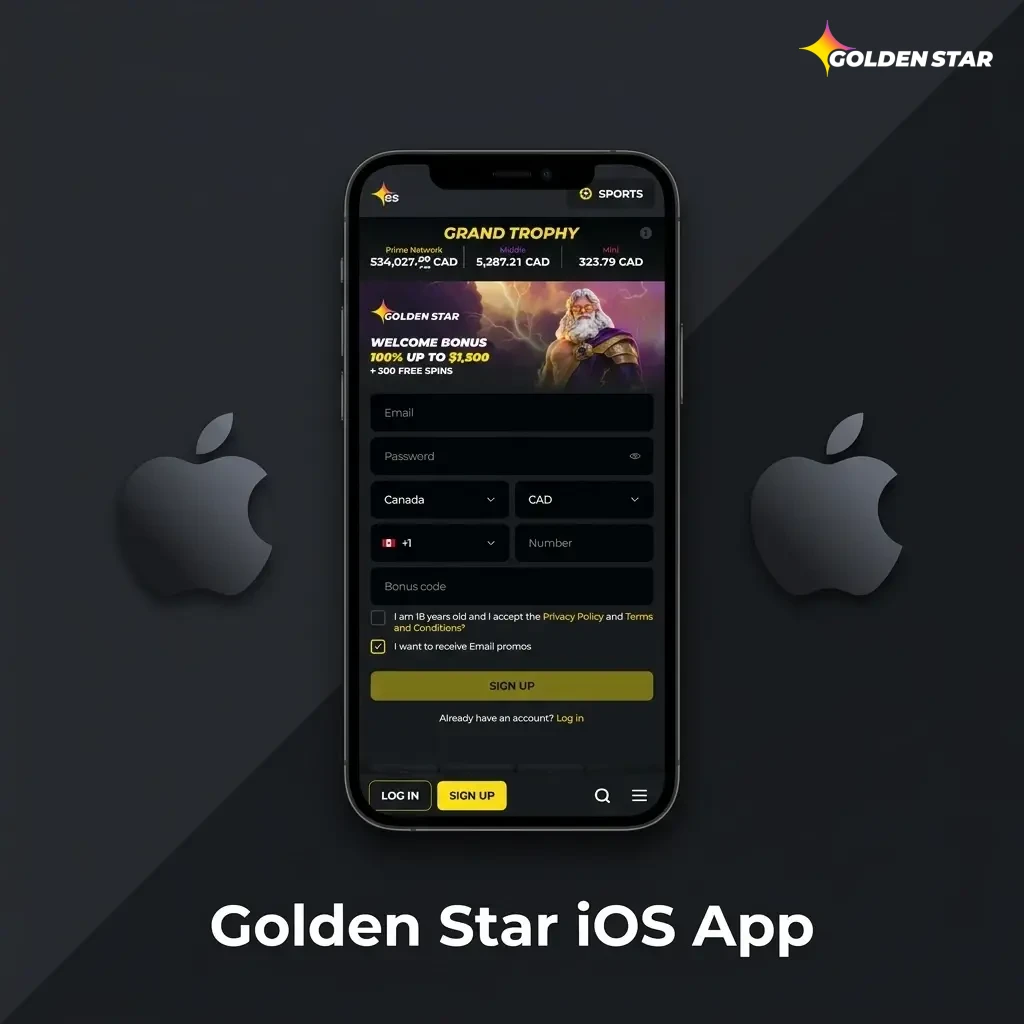
Golden Star iOS App

The Golden Star iOS app is available for both iPhone and iPad users in Canada. It is free to download and replicates the full functionality of the desktop platform in a compact format. You need at least iOS 12.0 installed and approximately 150 MB of free storage space. The app delivers the same betting markets, casino games, and payment options as the main site.

Golden Star Casino iOS app interface on iPhone and iPad, showing betting markets and casino games for Canadian users.

Minimum System Requirements for iOS

Ensure your iPhone or iPad meets the following minimum system requirements before downloading the Golden Star app.

Requirement Minimum Specification
iOS Version 12.0 or higher
RAM 2 GB
Free Storage Space 150 MB
Processor Apple A9 chip or newer
Internet Connection Stable Wi-Fi or cellular data

Compatible iOS Devices

The Golden Star app functions smoothly on recent generations of iOS devices. The following models are fully supported:

  • iPhone X, XR, XS, XS Max;
  • iPhone 11, 11 Pro, 11 Pro Max;
  • iPhone 12, 12 Mini, 12 Pro, 12 Pro Max;
  • iPhone 13, 13 Mini, 13 Pro, 13 Pro Max;
  • iPhone 14, 14 Plus, 14 Pro, 14 Pro Max;
  • iPhone 15, 15 Plus, 15 Pro, 15 Pro Max;
  • iPad Air (3rd generation and newer);
  • iPad Pro (all models from 2018 onward);
  • iPad Mini (5th generation and newer).
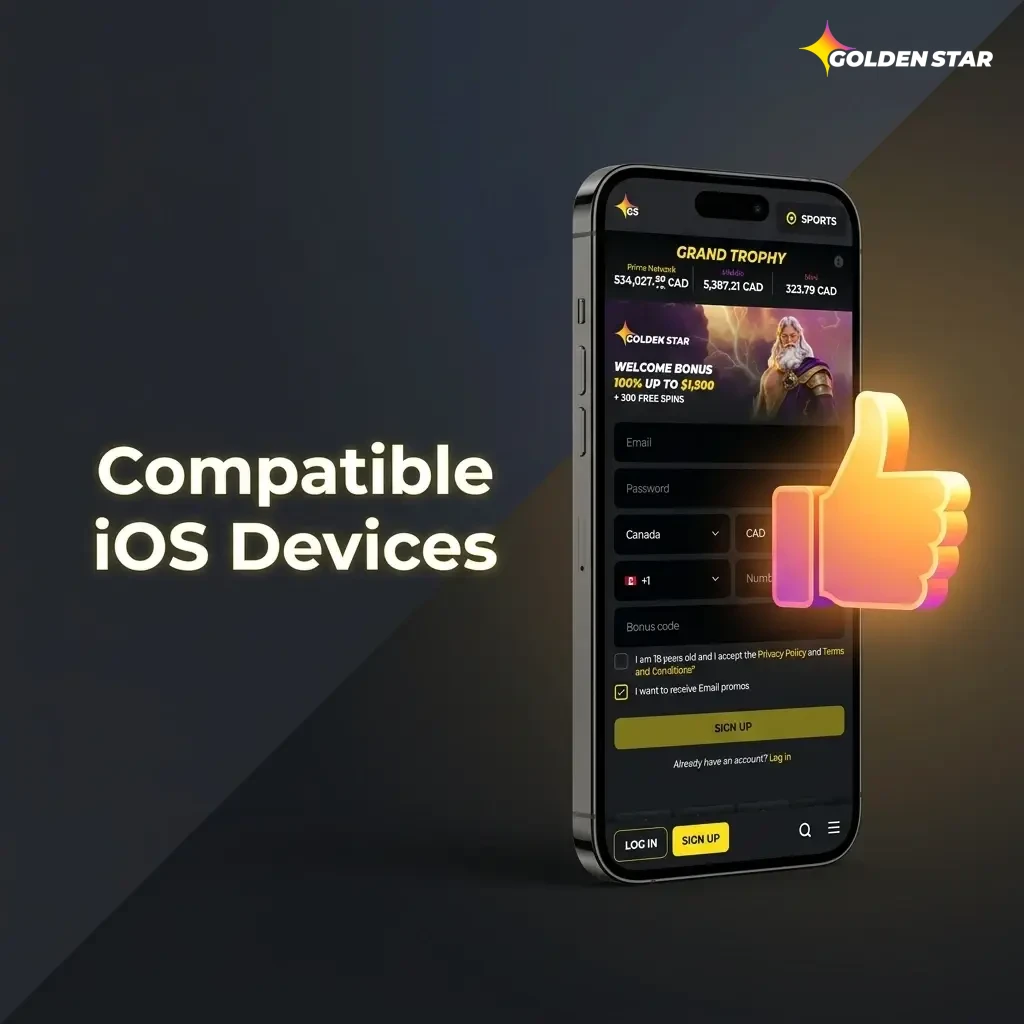
Golden Star app compatible iOS devices including iPhone X through 15 series and supported iPad Air, Pro, and Mini models

Old vs. New Golden Star APK Versions

The table below compares the previous and current versions of the Golden Star APK so you can see exactly what has improved.

Feature New Version Old Version
App Load Speed Faster startup and navigation Slower initial load
Interface Design Refreshed, cleaner layout Older visual style
Live Betting Real-time odds with lower latency Occasional delays in live updates
Payment Integration Expanded options including crypto Fewer payment methods
Security Enhanced SSL and two-factor authentication Basic SSL encryption
Stability Improved crash resistance Occasional crashes on older devices
Game Library Larger selection of slots and table games Smaller catalogue
Push Notifications Customisable alerts for events and offers Limited notification settings

Registration via Golden Star Application

Signing up through the Golden Star mobile app takes only a few minutes and is open to users aged 18 and over in Canada.

1

Download and Open the App

Use the download button on this page to install the app, then launch it on your device.

2

Tap “Registration” and Select a Method

Choose your preferred registration method, either by email or phone number, and proceed.

3

Enter Your Personal Details

Fill in your name, date of birth, country (Canada), email address, and preferred currency such as CAD.

4

Set Your Login Credentials

Create a secure password and confirm your account details before submitting the form.

5

Complete Registration

Submit your details and confirm your account via the verification link or code sent to you.

Once registration is complete, you can make a deposit immediately and start playing casino games or placing sports bets.

Steps to Update the Golden Star App

Keeping the app updated ensures you always have access to the latest features, security patches, and performance improvements.

Android: Visit this page, download the newest APK file, and install it over your existing version.

iOS: Go to Settings > General > VPN & Device Management, locate the Golden Star profile, and reinstall the latest version from this page.

Updates deliver the latest features, security enhancements, and bug fixes.

Android

1

Visit This Page

Return to this page to access the latest available APK download link.

2

Download the New APK

Tap the Android download button to fetch the updated installation file.

3

Allow Installation from Unknown Sources

Confirm that your browser is permitted to install apps in your device settings.

4

Install Over the Existing Version

Open the downloaded file and follow the prompts. Your account data and settings will be preserved.

5

Launch the Updated App

Open the app and verify the version number in the settings to confirm the update was successful.

iOS

1

Visit This Page

Come back to this page to find the latest iOS download link for the Golden Star app.

2

Tap the iOS Download Button

Initiate the download and open it in Safari for a smooth installation process.

3

Trust the Developer Profile

Navigate to Settings > General > VPN & Device Management and trust the updated profile.

4

Confirm the Installation

Follow the on-screen prompts to complete the installation of the new version.

5

Open and Verify the Update

Launch the app and check the version details to confirm the update has been applied.

Welcome Bonus for Newcomers in the Golden Star App

New users of the Golden Star mobile app can choose a welcome bonus that fits their preferred style of play.

Golden Star casino bonus: Claim a 100% match up to $1,500 plus 300 Free Spins on your first deposit. A minimum deposit is required to activate the offer.

Highroller Bonus: Deposit more and claim a 50% match up to $3,000 for even greater starting value.

To claim, select your preferred bonus during registration, then make the qualifying deposit. Both bonuses are credited automatically once the deposit is confirmed.

Golden Star App welcome bonus offer showing 100% match up to $1,500 with 300 Free Spins or 50% Highroller match up to $3,000

Easy Steps to Start Betting in the Golden Star App

Placing a bet in the Golden Star betting app takes under a minute once your account is set up.

1

Download and Log In

Use the button on this page to install the app, then sign in with your registered credentials.

2

Make a Deposit

Navigate to the cashier section and choose a payment method such as Interac or Visa to fund your account.

3

Go to the Sports Section

Tap the sportsbook tab to browse available events across all major leagues and tournaments.

4

Select Your Event and Market

Choose a sport, find the event you want to bet on, and tap the odds for your preferred outcome.

5

Enter Your Stake and Place the Bet

Type in your bet amount in the bet slip and tap “Place Bet” to confirm.

6

Wait for the Result

Once the event concludes, winnings are credited to your account automatically. You can withdraw them or continue playing.

Golden Star Mobile Website Version

Golden Star also offers a fully mobile-optimised website accessible on any smartphone or tablet browser in Canada. The mobile site provides the same range of sports betting and casino services as the dedicated application, so you can place bets and play games without downloading any software.

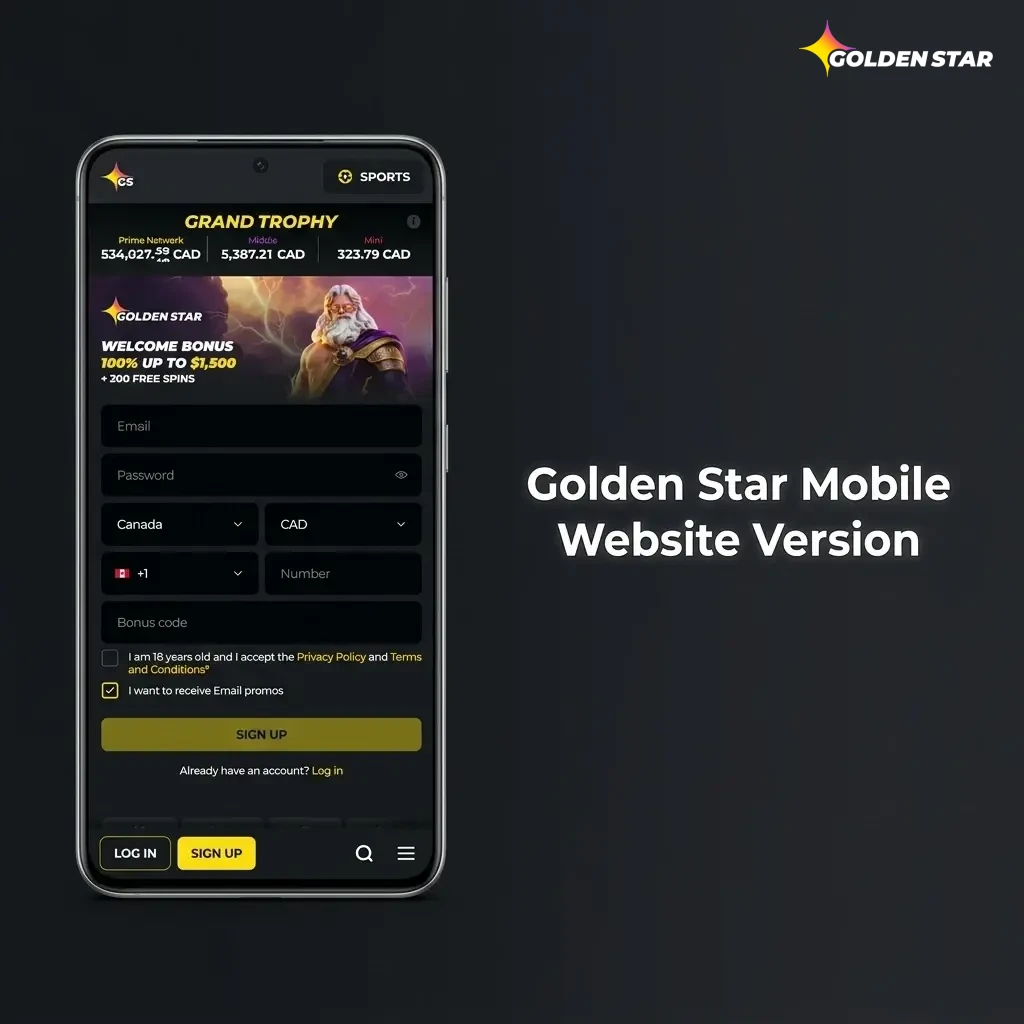
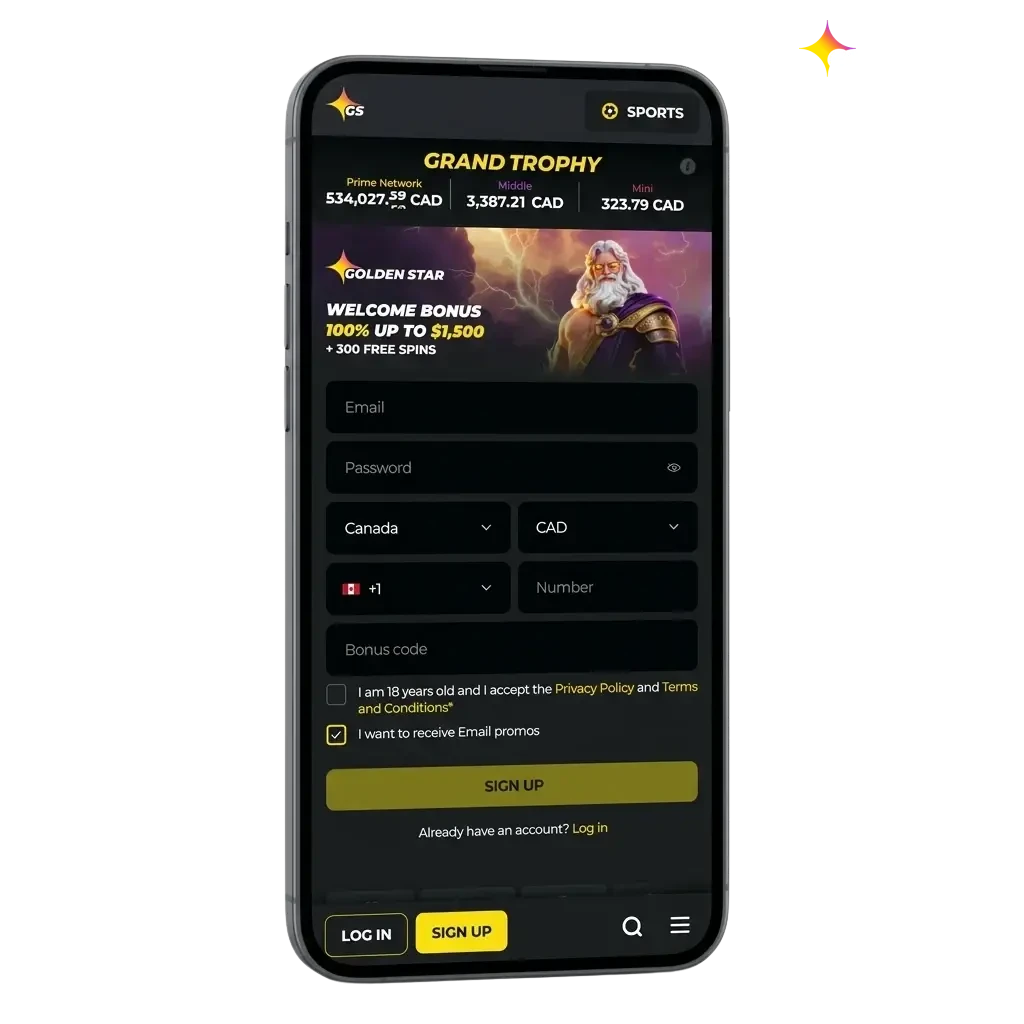
Golden Star mobile website displayed on a smartphone browser in Canada, showing sports betting and casino options

Mobile App vs Website

The mobile website covers nearly all the same functions as the dedicated app, but many players in Canada still prefer the installed application for day-to-day use.

Feature Application Site
Installation Required Yes No
Load Speed Faster Slightly slower
Push Notifications Yes No
Offline Access to Settings Yes No
Biometric Login Yes Limited
Data Usage Optimisation Better Standard
One-tap Betting Yes Requires extra navigation
Home Screen Access Yes Bookmarked only

The dedicated mobile app offers a noticeably faster and more stable experience than the browser-based site. Navigation is more intuitive, bets load with fewer delays, and features like push notifications keep you informed of live odds and promotions in real time. For Canadian players who bet frequently, the app is the more reliable choice.

Golden Star Casino App

The Golden Star casino app puts a full online casino in your pocket. Popular live events appear directly on the home screen so you can jump in immediately. Switching between sports betting and casino games takes a single tap.

The casino section features hundreds of slots and table games from well-known developers such as Pragmatic Play, NetEnt, and Evolution Gaming. A dedicated live casino section connects you with real dealers for games like blackjack, roulette, and baccarat.

Regular promotions and bonuses are available in the casino section, including free spins offers every Wednesday. Take advantage of these to extend your play and increase your chances of winning.

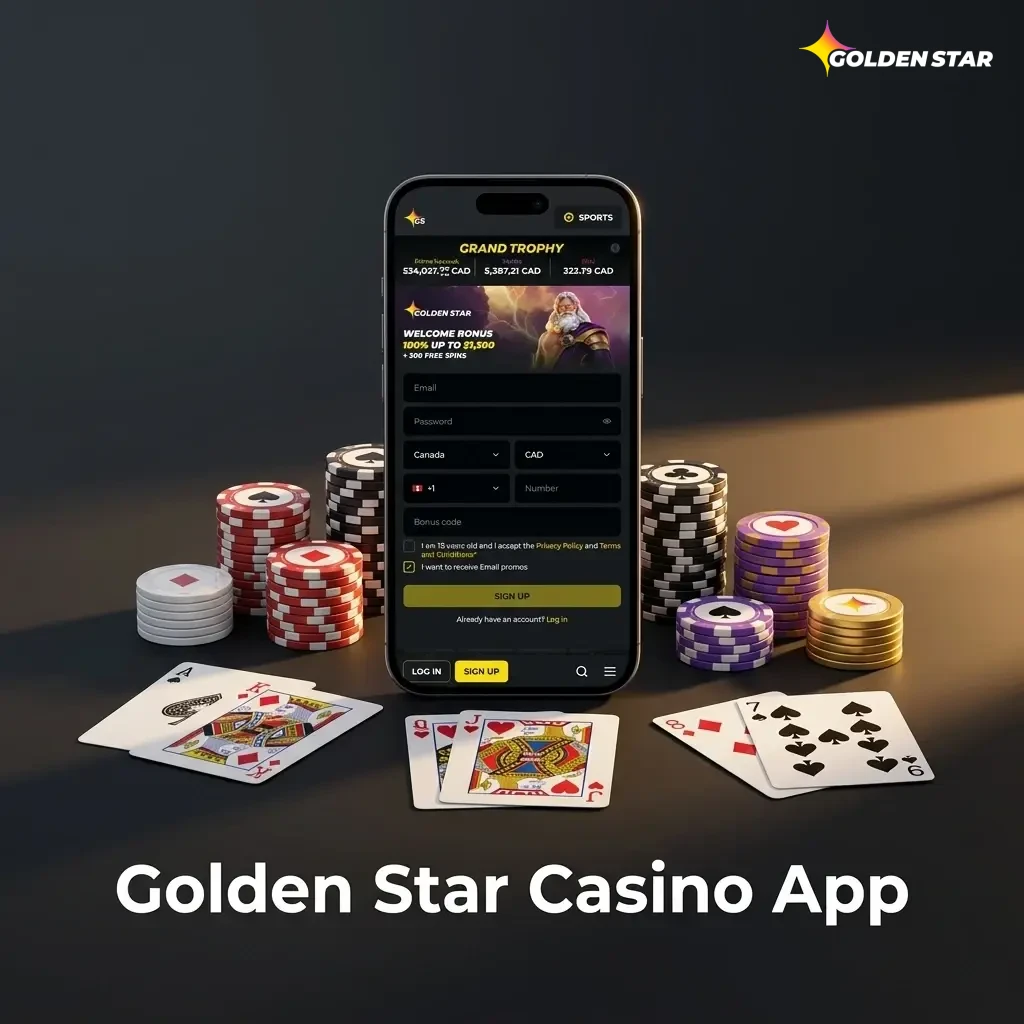
Golden Star Casino app interface showing live casino games, slots, and sports betting on mobile device

Benefits for Golden Star Mobile App Users

The Golden Star mobile app gives Canadian players a set of practical advantages that make it the preferred choice over the desktop platform.

Instant Access Anywhere

Log in and place bets or play casino games from anywhere in Canada, whether at home or on the go, without needing a laptop or desktop.

Faster Betting Experience

The app loads odds and game content faster than a mobile browser, so you never miss a live betting window during a fast-moving match.

Dedicated Push Notifications

Receive real-time alerts for upcoming events, live odds changes, and exclusive bonus offers delivered directly to your phone.

Secure and Encrypted Transactions

All deposits and withdrawals are protected by SSL encryption, making every payment through the app as safe as on the desktop platform.

Optimised Interface for Touch Screens

Every button, menu, and filter in the app is designed for touchscreen use, making navigation quicker and more accurate than on a browser-based site.

Payments in the Golden Star App for Users from Canada

Canadian players can fund their accounts and request withdrawals through a wide range of trusted payment methods available directly within the app.

Accepted payment methods in Canada include:

  • Interac e-Transfer
  • Visa
  • Mastercard
  • Skrill
  • Neteller
  • Bitcoin and other cryptocurrencies
  • Paysafecard

Deposits are credited instantly once the transaction is confirmed. Most withdrawal methods are processed within minutes, though some options may take up to 24 hours. The minimum deposit amount is $10 CAD, and the minimum withdrawal is $20 CAD, making the platform accessible for players at all levels.

Canadian players using Golden Star App payment methods including Interac, Visa, Mastercard, crypto, and more

Is it Safe to Download Golden Star App APK?

Yes. The Golden Star app operates under an official Curacao eGaming licence and complies with all applicable industry regulations. The platform uses SSL certificate encryption to protect your personal and financial data at every point. Whether you are depositing, withdrawing, or browsing the casino, your information is handled within a fully regulated and secure environment.

Golden Star Casino app APK download safety with SSL encryption and Curacao eGaming licence compliance

FAQ

Does the Golden Star app support Canadian dollars?

Yes. You can set CAD as your preferred currency during registration, and all deposits, withdrawals, and balances will display in Canadian dollars.

Can I use the same account on both the app and the desktop site?

Yes. Your account works across all platforms. Any bets placed, bonuses claimed, or deposits made on one platform are reflected on the other in real time.

Is the Golden Star APK safe to install on my Android phone?

Yes. The APK is the official installation file distributed through this page. As long as you download it from here, the file is clean and verified.

What happens if the app crashes during a live bet?

Your bet is recorded on the server the moment it is confirmed. If the app closes unexpectedly, reopen it and check your bet history. Your placed bets are not affected by app interruptions.

Can I access responsible gambling tools through the mobile app?

Yes. Deposit limits, session time reminders, self-exclusion options, and other responsible gambling tools are available directly within the app settings.

Updated: